Here's how to install AVG Internet Security (Multi-Device)
A few easy steps is all it takes.
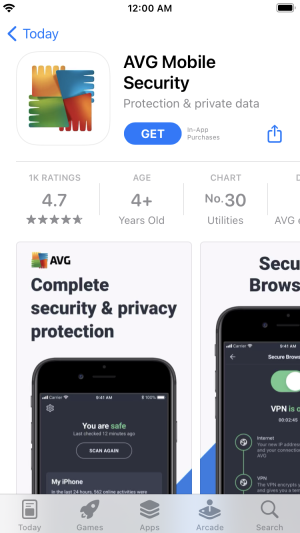
1. Tap the button below to open the product page in App Store.
2. ap Get (or the
cloud icon) to download and install the app.
See detailed installation instructions.
3. On your Home screen, tap the
AVG Security icon to open the app, select Not now, and tap Upgrade in the top-right corner of the screen.
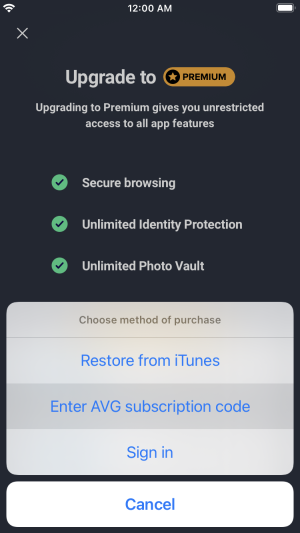
4. Select Already purchased?, then choose Enter AVG subscription code.
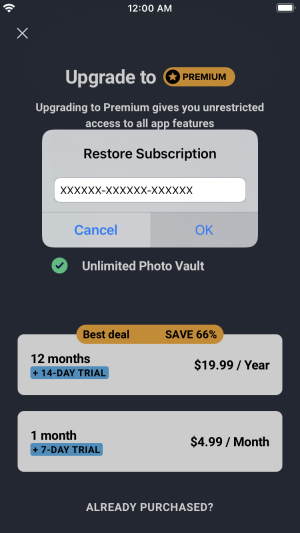
5. Type the activation code you received with the product into the text box, and tap OK (if asked, enter your name, email, and postal code).
Note: If you have a valid product subscription, but the provided activation code is rejected, enter it in our activation form to retrieve a working activation code via your AVG Account.
That's it! Don't forget about installation on other devices.