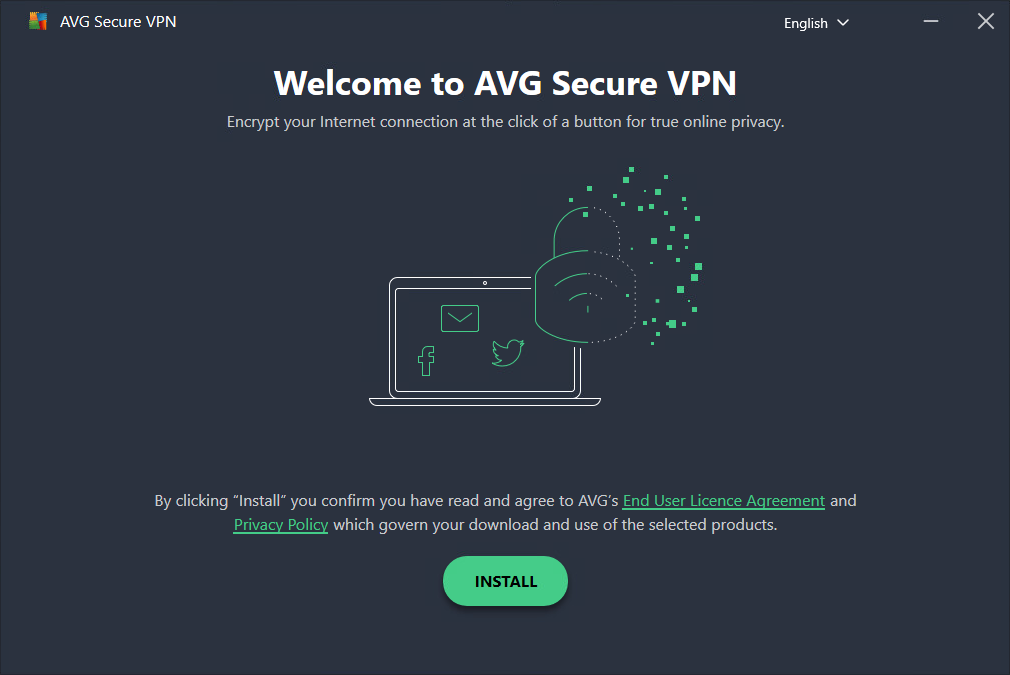
2. Once the download is finished, open the  avg_vpn_online_setup.exe file (by default, downloaded files are saved to your Downloads folder).
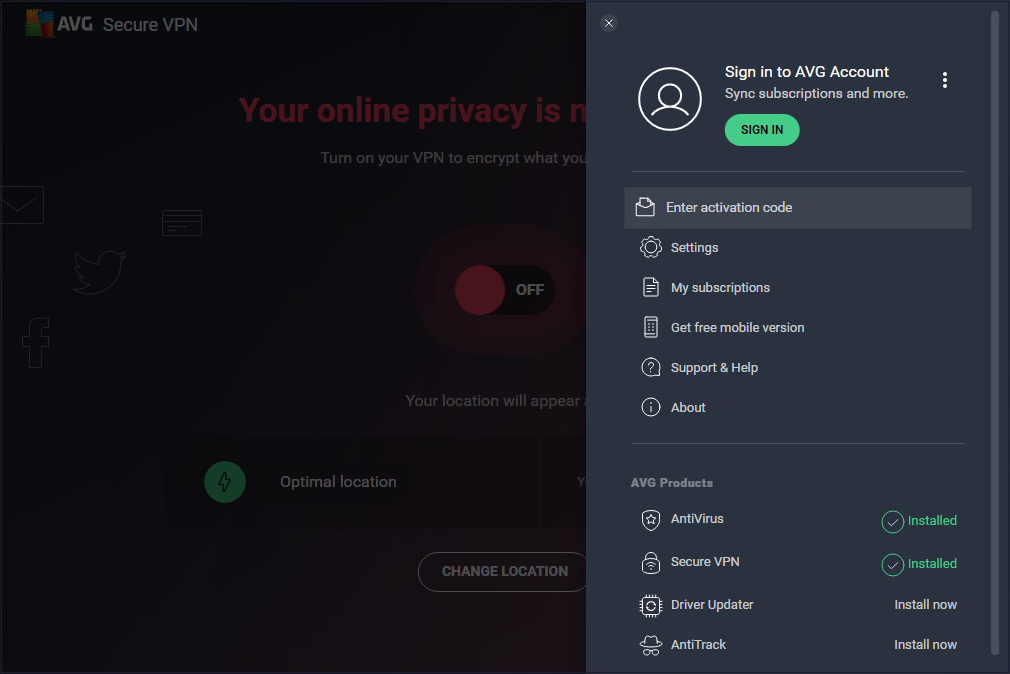
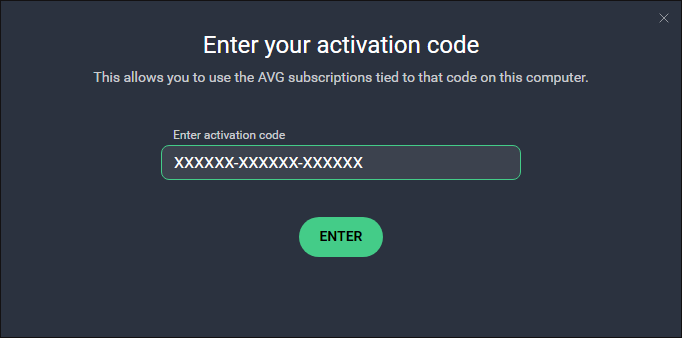
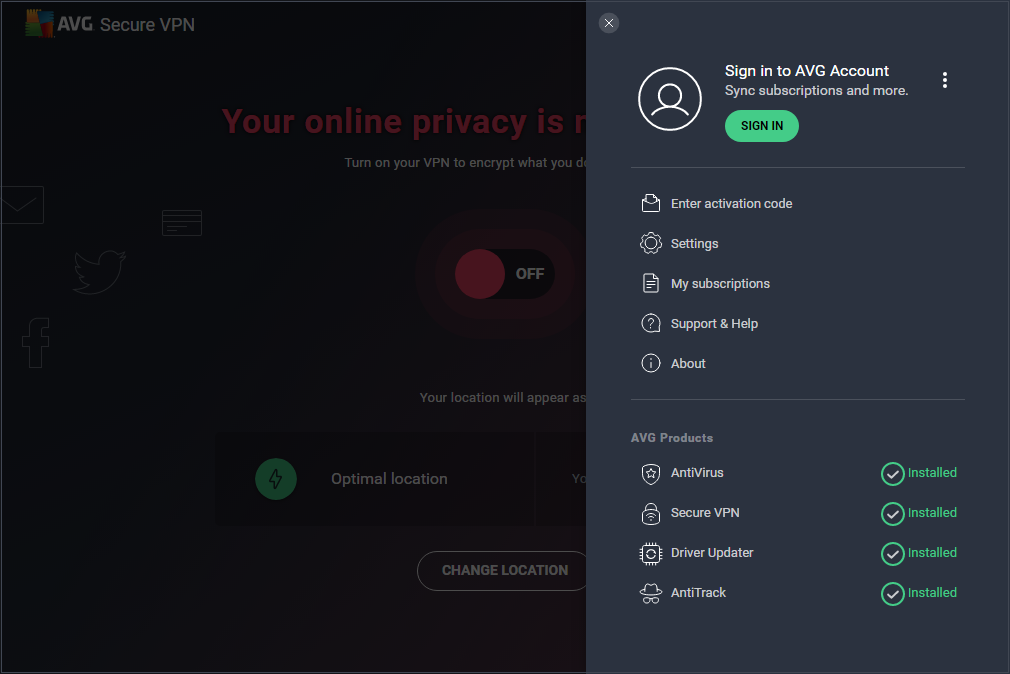
4. Double-click the  AVG Secure VPN icon on your desktop to open the application, then go to ☰ Menu and select Enter activation code.